Using an external text editor
While godot has an inbuilt text editor, some developers have a tendency to
want to use a text editor they are familiar with. Godot provides this
option via the options under
Editor -> Editor Settings -> Text Editor -> External
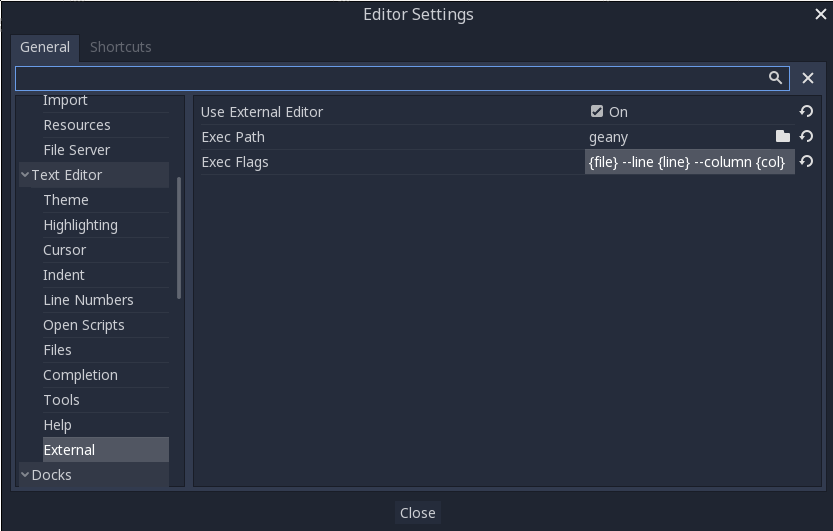
There are two fields: the executable path and command line flags. The flags allow you to better integrate the editor with godot. Godot will replace the following inside the flags parameter:
| Field in Exec Flags | Is replaced with |
|---|---|
| {project} | The absolute path to the project directory |
| {file} | The absolute path to the file |
| {col} | The column number of the error |
| {line} | The line number of the error |
Some example Exec Flags for various editors include:
| Editor | Exec Flags |
|---|---|
| geany/kate | {file} –line {line} –column {col} |
| atom/sublime text | {file}:{line} |
| visual studio code | {project} –goto {file}:{line}:{col} |